

Anybody managing HR or accounting in a growing firm knows the monthly drill. Things get hectic right around the 25th. Overtime logs go missing from last night's shift. A line manager approves time off verbally over coffee but forgets to log it anywhere. Sales reps hand in crumpled fuel receipts five minutes before payday.
Juggling five or ten salaries on a spreadsheet is easy work. Try doing that with fifty or a hundred people on the payroll. The whole process turns messy. An unpaid day off gets overlooked. A night-shift rate gets calculated wrong. Next thing you know, accountants are stuck spending two whole days manually fixing figures in ledger accounts.
What growing firms actually need is simple: a workflow where daily check-ins feed right into salary runs and accounting ledgers without anybody typing numbers twice. Here is how payroll works under the hood and how Odoo handles the entire job.
What Makes Up a Pay Slip?
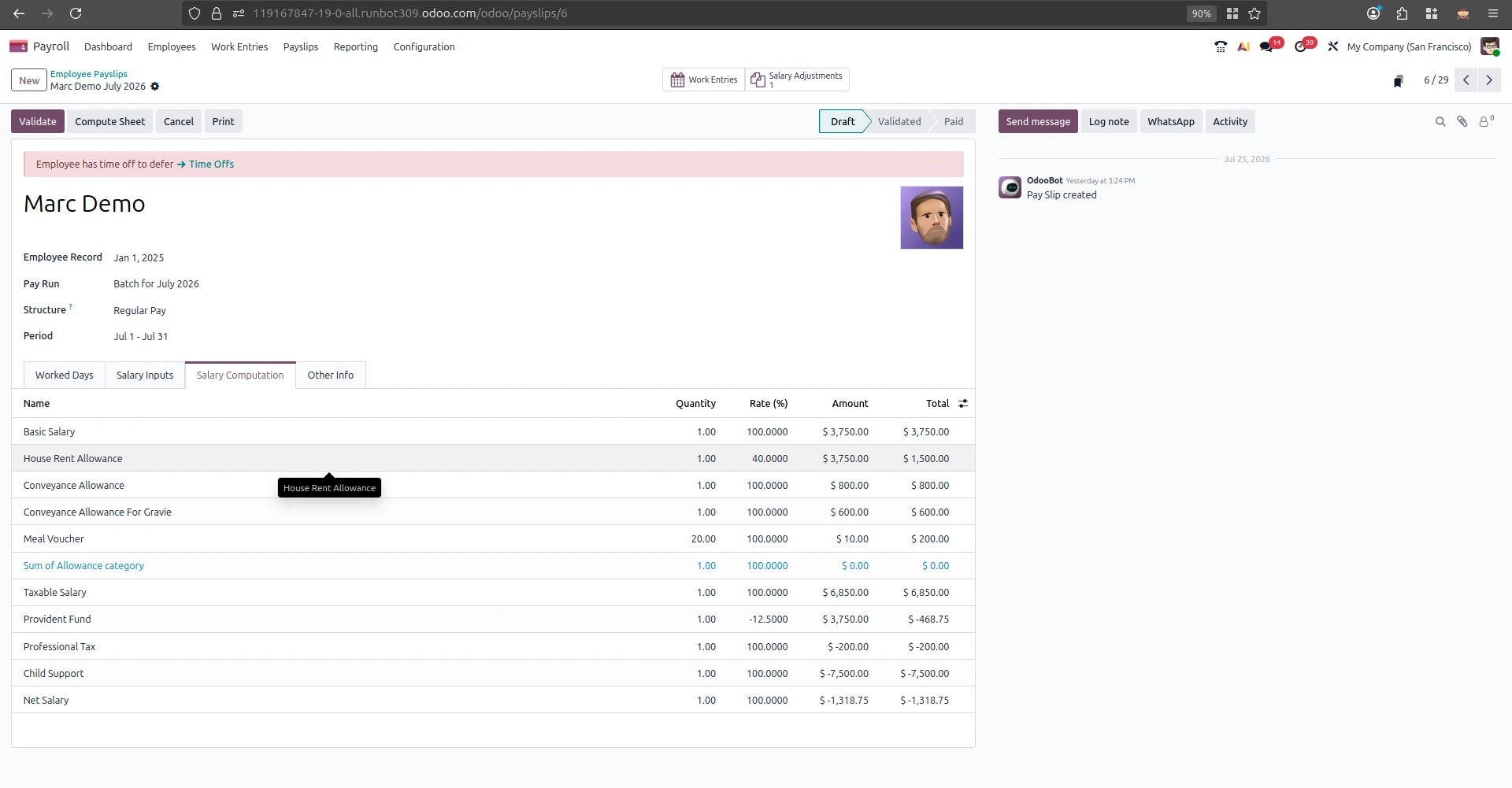
Why does monthly payroll take so long to pull together? Look at what goes into a single worker's paycheck.
The pay for a contract starts with the pay. This is the wage that is agreed to in the contract. It also includes money for rent and travel and mobile phones that is paid every month. If we keep all the contract pay information in one place it makes it easier for the people in Human Resources to find the pay rates without having to look through a lot of papers.
Next we have to think about the hours people work. If someone works hours at night or on the weekends they get more money.. If they do not come to work without a good reason they get less money. If we do not have a record of the hours people work that is connected to their pay the managers have to guess how many extra hours they worked.
Then we have to think about taxes and benefits. This is complicated because there are a lot of rules to follow. We have to make sure we take out the amount of money for taxes and for things like social security and pensions. If the people, in Human Resources make a mistake with the taxes the company didn't do the taxes correctly. We might have to pay a fine later on.
Out-of-pocket claims finish the calculation. When reps pay for petrol or client meals out of pocket, those refunds belong on their pay slip. When reimbursements get delayed, staff get frustrated and productivity drops.
When these four calculations sit in separate places - biometric clocks, paper notes, and email chains - HR teams end up spending half their month matching up numbers.
How Data Flows Through Odoo
Odoo gets rid of that spreadsheet clutter by connecting every worker record into one central hub.
Their contract rate, shift pattern, allowance rules, and cost center all live together on a single profile. Update a contract once, and future pay runs adapt automatically without manual re-keying.
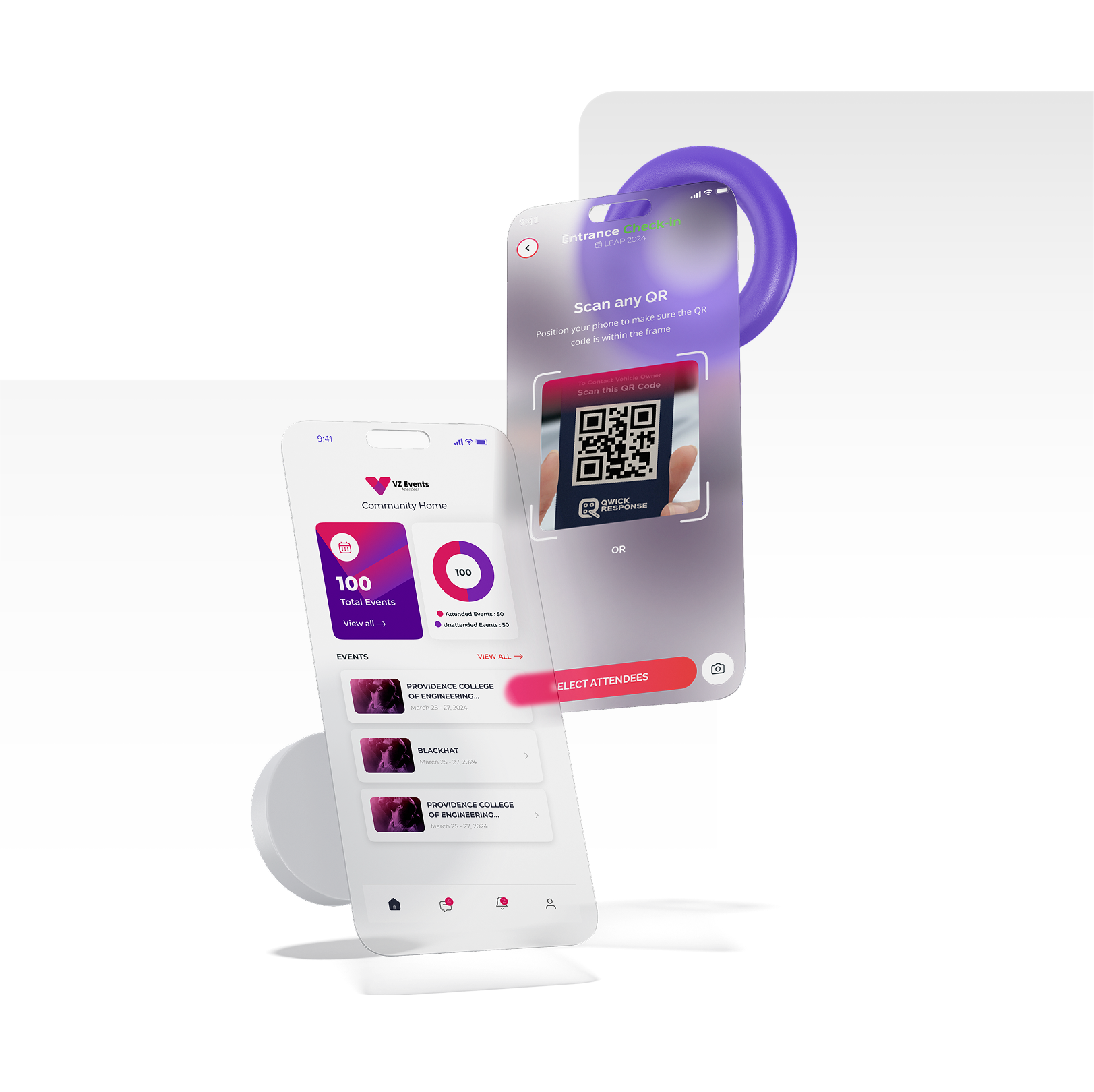
Punch-in records stream right into those contracts. When the staff check in using wall-mounted fingerprint scanners or tablet kiosks or mobile apps Odoo captures the time they arrive. Odoo does this to make sure the staff are paid for the hours. The software checks the real hours worked against the shift schedules. It catches when someone arrives late or works overtime before the pay slips are printed.
Odoo also handles leave tracking on its own. When an employee wants to take a vacation they can request it on their phone. Then their manager gets a message to approve the vacation. The moment the manager approves the vacation Odoo updates the employees leave balance. It also adjusts the employees attendance record. This way unpaid days get deducted correctly from their pay.
On payday Odoos salary engine puts everything together. It looks at the contract terms and the attendance logs. It also looks at the approved leave and the validated expense claims. Odoo does all this to make sure the staff get paid correctly.
Custom formulas work out gross pay, taxes, social security, and net payouts in minutes.
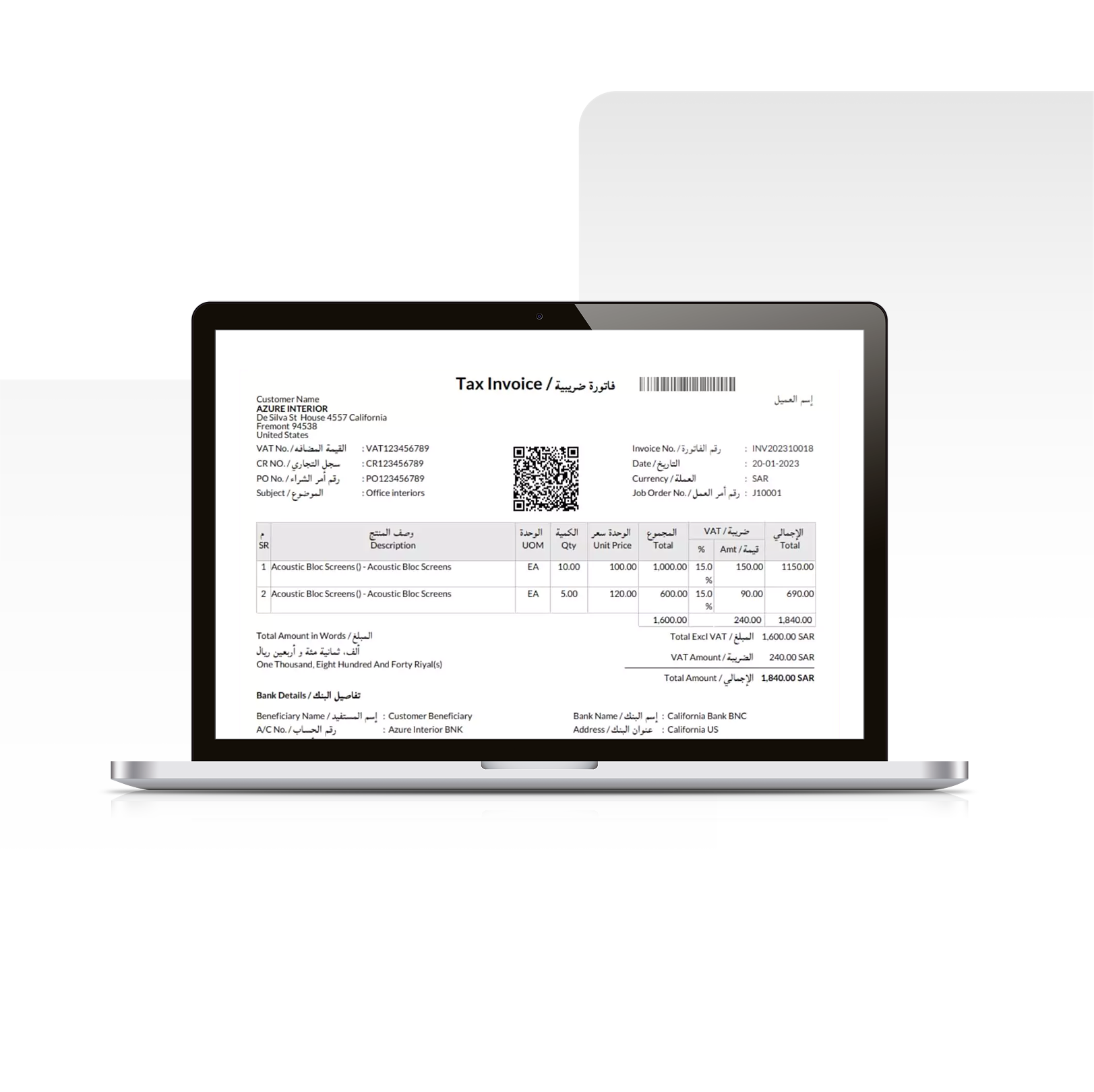
Accounting entries post automatically. When finance approves a pay run, Odoo writes balanced journal entries straight to your general ledger—debiting salary costs while crediting tax liabilities and bank payables.
What About Odoo Community Edition?
People ask if Community can run payroll without monthly user licensing. It can, but you have to know where the limits are.
Base Community Edition gives you plenty to work with - employee files, time off, attendance clocks, hiring pipelines, and expense claims all come built in. The catch is local taxes. It doesn't come pre-loaded with regional tax tables or bank payment files for every country.
You bridge that gap by adding custom salary formulas and local bank export scripts. Once those rules are configured, Community functions as a full payroll hub without any per-seat subscription fees.
Real Examples from Industry
A manufacturing plant with 120 shift workers connected their biometric gate readers directly to Odoo. Automated overtime rules cut monthly payroll prep time from four days down to under two hours while stopping shift pay disputes.
Take a retail chain with six locations. Store managers used to spend half their week untangling shift swaps and tallying up monthly commission checks.Linking point of sale clock-ins and sales goals into Odoo means commission bonuses are added directly to pay stubs automatically.
Imagine a construction company, with teams working at various job sites.
Workers tap in on mobile tablets when they reach a site. Those daily wages flow straight to specific project accounts, showing management actual labor spending on every build.
Conclusion
Getting payroll right isn't about buying complex tools it's about connecting your daily operations. Connecting worker contracts, attendance times, time-off approvals, and ledger accounts inside Odoo turns a messy multi-day chore into a clean, repeatable monthly process.







Leave a comment